Everyday still-life
A lightly soft cup, plant or room detail can be worth trying. Compare outlines and fine texture at the same size. Long streaks from camera movement are a different kind of blur and may not improve with this tool.
A soft photo doesn’t have to be a lost photo.
Reduce light blur, compare the detail, and keep
a clearer version — right in your browser.
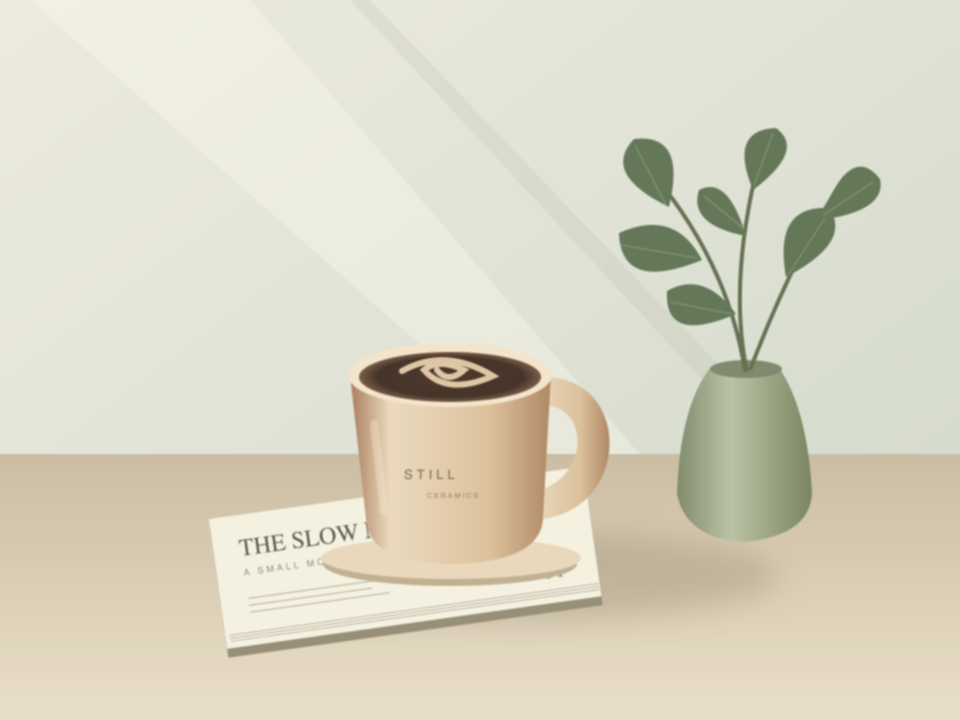
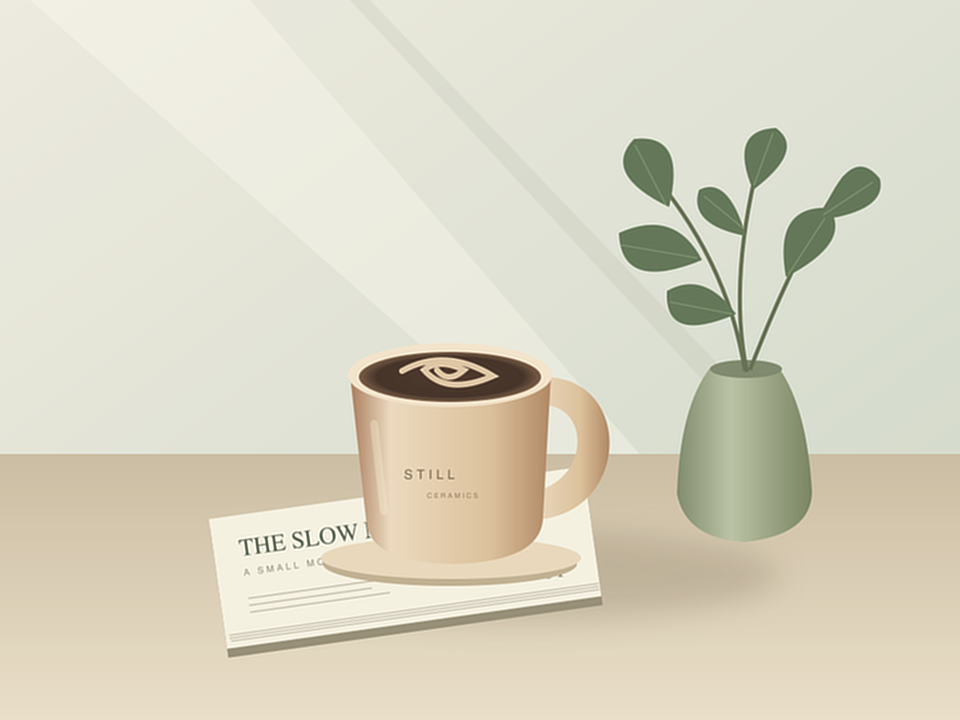 AfterBefore
An illustrated test scene with simulated light blur. Actual tool output.
Or choose one from your device.
JPG or PNG · up to 20 MB · output up to 2 MPLight softness is a better starting point than heavy motion blur.
A lightly soft cup, plant or room detail can be worth trying. Compare outlines and fine texture at the same size. Long streaks from camera movement are a different kind of blur and may not improve with this tool.
Try a photo with a slightly soft edge or surface. Check that the result still looks natural, especially around logos and small lettering. A sharper-looking label is not proof that its text has been recovered correctly.
Simple shapes can show the effect clearly, as our sample illustrates. Fine lines may also pick up halos. This tool is not a way to recover unreadable document text or missing information; keep the source and judge the visual result.
A small tool for the photos you’d rather keep.
Drop in a JPG or PNG. Everything happens on your device; your photo stays private.
Start with Balanced, then try Gentle or Strong. Drag the comparison to check what changed.
Download a free PNG at the displayed size. No account, watermark or checkout.
Yes. This version processes one photo at a time in your browser and offers a free PNG download, without an account, watermark or payment. There is no paid mode in this release.
This free version uses Richardson–Lucy deconvolution, a classical image restoration technique. It estimates a small amount of blur and tries to reverse it. It does not use a generative AI model or invent detail deliberately.
Start with lightly soft photos, including still-life, product and everyday photos. Severe blur, camera motion and very noisy images may not improve. Results depend on the photo; compare the output before using it.
No method can guarantee the recovery of lost detail. This tool can introduce noise, ringing or other artifacts. It is not suitable for verifying identity, reading critical documents, or medical or forensic use.
Your selected photo is decoded and processed on your device. It is not sent to our servers or an AI provider. We do not add your photos to a gallery or store them in browser storage. Close the tab to release this tool’s working copy.
Photos up to 2 megapixels and 2,000 pixels on their longest side keep their pixel dimensions. Larger photos are resized, with the output dimensions shown before processing. The PNG download matches the preview dimensions. This version does not upscale photos; image metadata is removed.
No. An unblur image tool tries to reverse an estimated blur pattern. Sharpening increases contrast around edges, while upscaling adds pixels to make a larger file. This release does not upscale. Its blur estimate can be wrong for your photo, so a stronger setting is not automatically a better result.
Try Gentle and compare again at the same zoom. Fine noise can become more visible during restoration, and bright edges can develop halos. Look at smooth backgrounds, lettering and small shapes before downloading. Keep the original if the result looks less natural; PicUnblur never replaces your source file.
Yes, in a recent browser that supports local image processing. Choose a JPG or PNG from your device. HEIC is not supported in this release; export a JPEG copy first. Large images are resized to the stated limits. Processing time depends on your phone, and you can cancel without losing the selected image.